What is Breadcrumb Navigation?
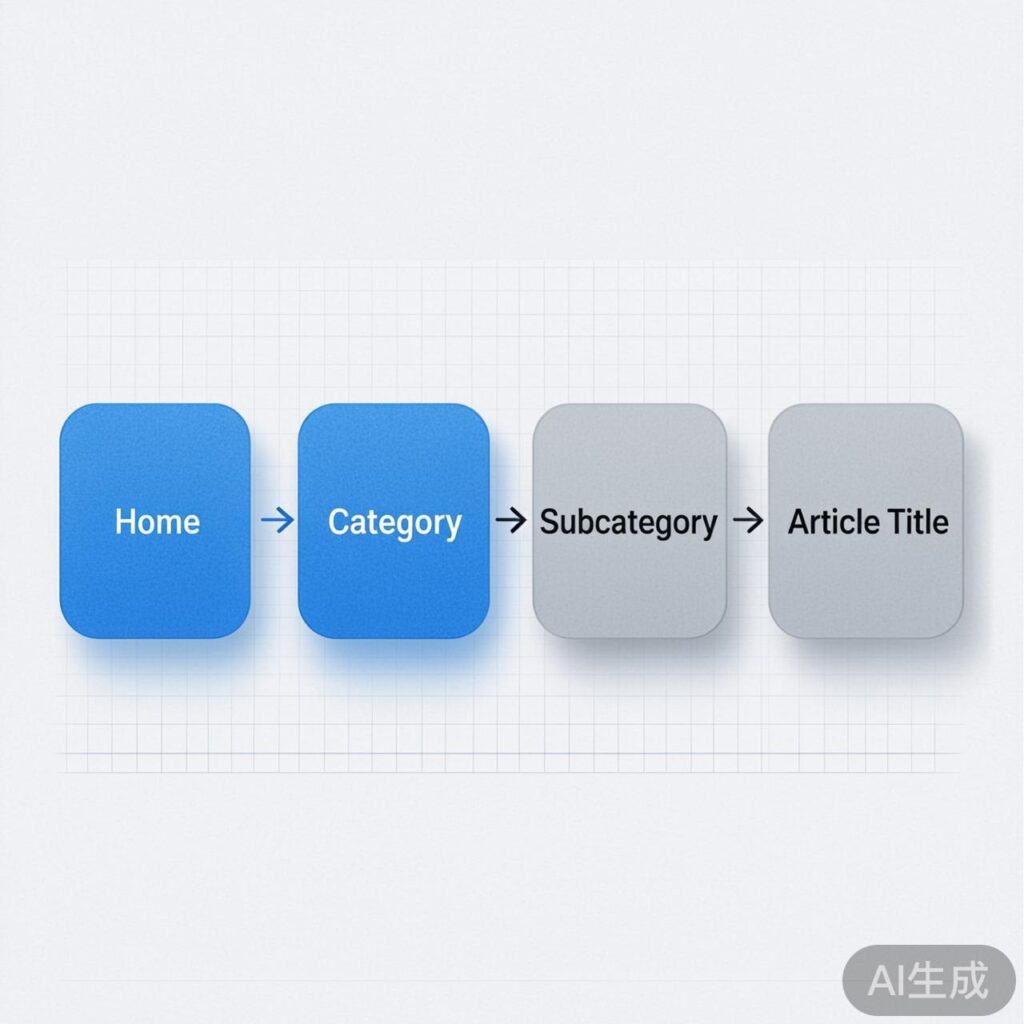
Breadcrumb navigation is a secondary navigation aid that clearly displays the user's current location within a website and its hierarchical relationship to parent pages. It typically appears as "Home > Category > Subcategory > Article Title," helping users understand the site structure and quickly return to higher-level pages.
Benefits of Breadcrumb Navigation
Integrating breadcrumb navigation into your website offers several key advantages:
- Enhanced User Experience: Users always know their current location, preventing them from getting lost in complex site structures.
- Reveals Site Architecture: Visually displays the site's hierarchy, helping users quickly grasp how content is organized.
- Improved Navigation Efficiency: Users can jump to any parent page with one click, avoiding repeated use of the browser's back button.
- SEO Benefits: Provides search engine crawlers with a clear structural path, aiding content indexing and internal link weight distribution.
Therefore, adding breadcrumb navigation to your WordPress site is an important step for both user experience and SEO optimization.
How to Add Breadcrumb Navigation to WordPress
There are two primary methods: using a plugin or manually adding code. For developers prioritizing performance and control, the manual method is often preferred.
Method 1: Using a Plugin (Recommended for Beginners)
Install and activate popular SEO plugins like Yoast SEO, Rank Math, or Breadcrumb NavXT. These typically include built-in breadcrumb functionality that can be enabled and configured in their settings, requiring no coding.
Method 2: Manual Code Implementation (For Developers)
For a lightweight or highly customized solution, add the following function to your active theme's functions.php file. This code provides a robust breadcrumb function handling posts, pages, categories, tags, date archives, and more.
/**
* Generate breadcrumb navigation
*/
function mytheme_breadcrumbs() {
$delimiter = ' > ';
$before = '';
if ( ! is_home() && ! is_front_page() || is_paged() ) {
echo '';
}
}Calling the Function in Templates
After adding the function to functions.php, insert the following call in your theme template files where you want the breadcrumbs to appear (commonly in header.php or at the top of single posts/pages):
<?php if ( function_exists('mytheme_breadcrumbs') ) { mytheme_breadcrumbs(); } ?>Customizing the Style
The generated breadcrumb HTML is unstyled by default. You can use CSS to style it—adjusting fonts, colors, spacing, and the separator's appearance—to match your site's design.
.breadcrumb {
    font-size: 0.9em;
    padding: 1em 0;
    color: #666;
}
.breadcrumb a {
    color: #0073aa;
    text-decoration: none;
}
.breadcrumb a:hover {
    text-decoration: underline;
}
.breadcrumb-current {
    color: #333;
    font-weight: bold;
}
Following these steps, you can add a fully functional, customizable breadcrumb navigation to your WordPress site, significantly improving its usability and professionalism.