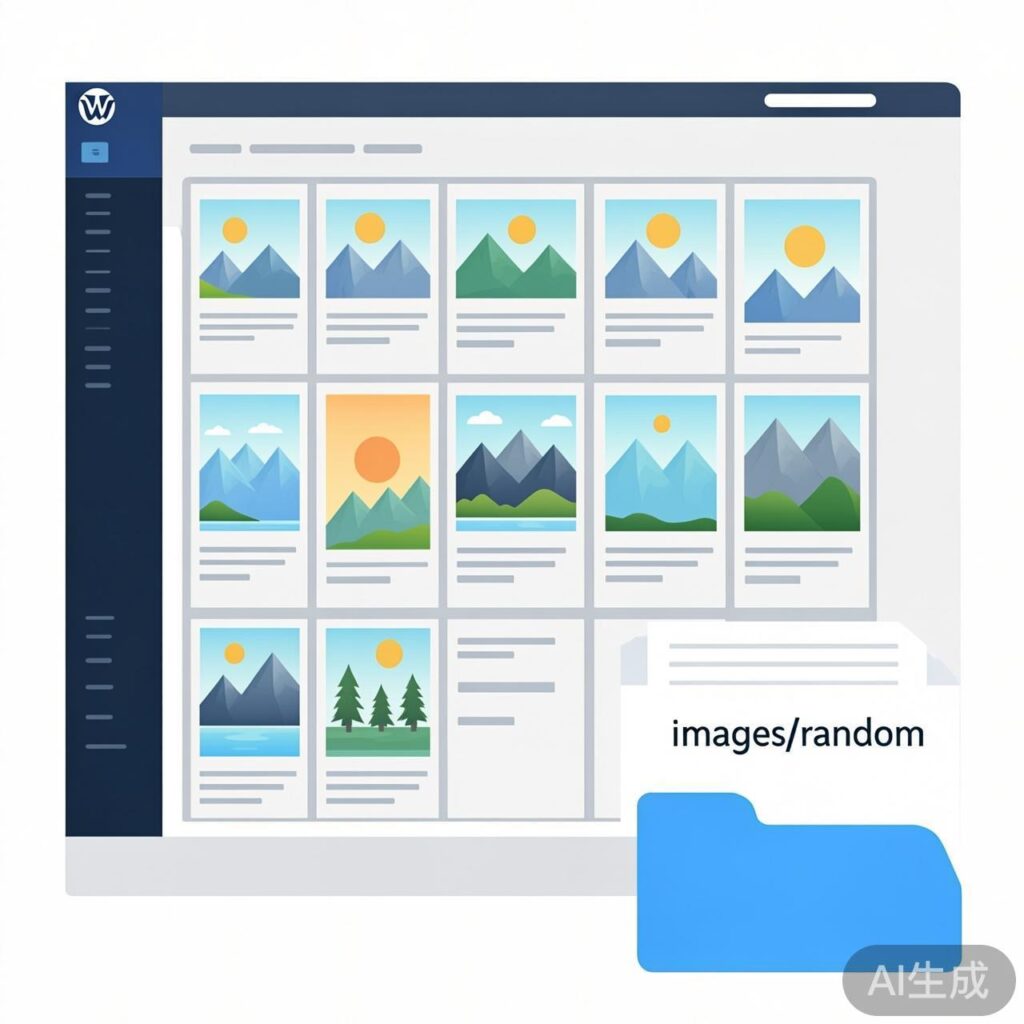
Do you ever forget to upload a featured image when publishing a blog post? I certainly do.
Manually setting a thumbnail for every article is tedious. A common solution is to automatically use the first image from the post content, falling back to a default image if none exists.
While convenient, this often results in many posts showing the same default image, which looks repetitive and harms user experience. A better approach is to display a random thumbnail when no post image is available. Here's a function to implement this:
// Enable post thumbnails (featured images)
if ( function_exists('add_theme_support') ) {
    add_theme_support('post-thumbnails');
}

function catch_first_image() {
    global $post, $posts;
    $first_img = '';

    // Extract the first image from post content
    $output = preg_match_all('/<img.+src=[\'"]([^\'"]+)[\'"].*>/i', $post->post_content, $matches);

    if (!empty($matches[1][0])) {
        $first_img = $matches[1][0];

        // Optional: filter out very small images
        $image_size = @getimagesize($first_img);
        if ($image_size && $image_size[0] < 50) {
            $first_img = ''; // Image too small, treat as invalid
        }
    }

    // If no valid image found, return a random one
    if (empty($first_img)) {
        // Randomly pick from N images. Change '2' to your total number.
        $random = mt_rand(1, 2);
        $first_img = get_stylesheet_directory_uri() . '/images/random/' . $random . '.jpg';
    }

    return $first_img;
}
This code provides a fallback random image, preventing a single default thumbnail from appearing everywhere.
How to Use
- Copy the code above and paste it into your theme's
functions.phpfile. - Create a directory at
/wp-content/themes/your-theme/images/random/. Upload your preferred images there, naming them sequentially (e.g.,1.jpg,2.jpg,3.jpg). Update themt_rand(1, N)call to match your image count. - In your theme templates (like
index.php,archive.php, orsingle.php), output the thumbnail where needed:<?php echo catch_first_image(); ?>
Now, posts without a featured image or content image will display a random thumbnail from your set, improving visual appeal and user experience.