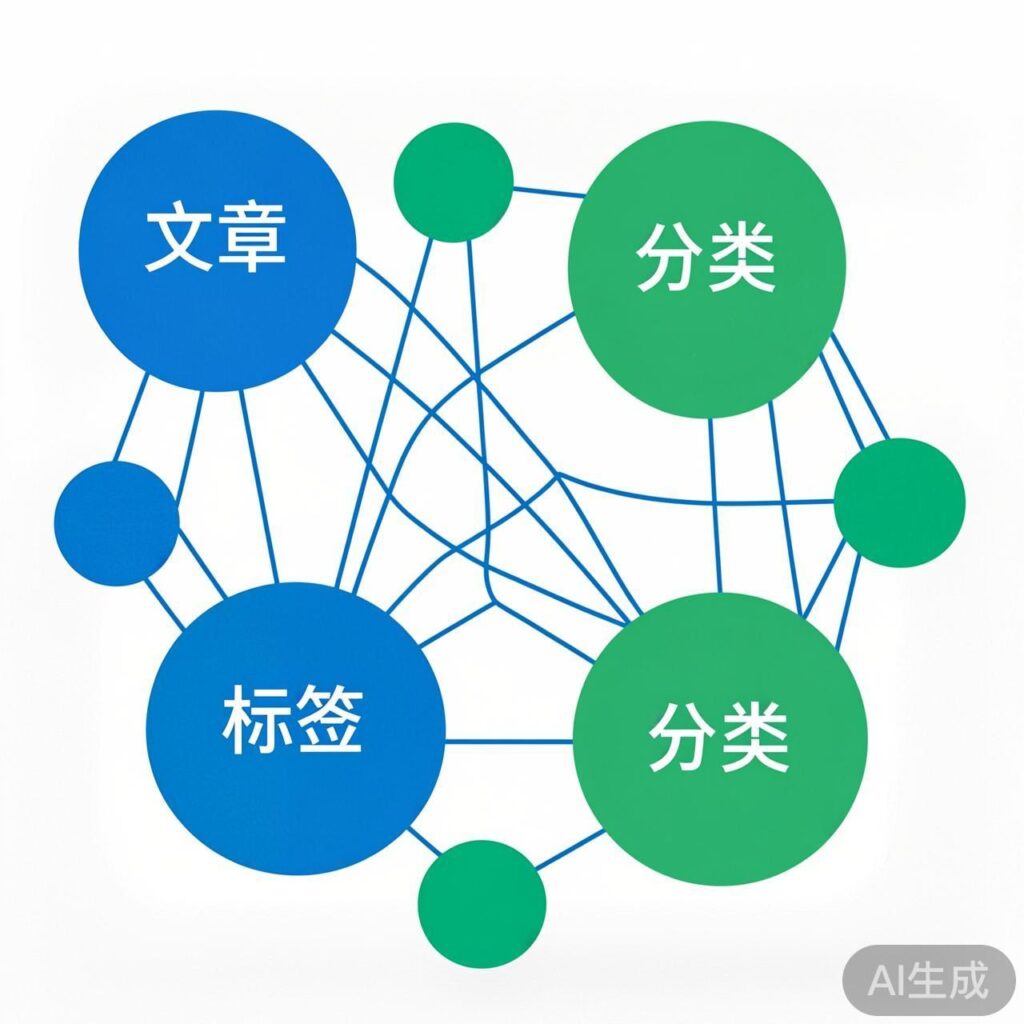
The Importance of Internal Links
For website owners focused on SEO, the importance of internal linking is clear. A well-structured internal link architecture helps guide the flow of page authority, aids search engine indexing, and can improve the ranking of inner pages in search results.
Method for Automatic Internal Linking
Automatically adding internal links for keywords (tags) within WordPress posts is typically achieved by adding a custom function to your theme's functions.php file. However, many code snippets circulating online may contain errors or be outdated.
Problems with the Original Code
The original code you provided contained several syntax errors and logical issues, such as:
- Undefined variable
$ex_word. - Incorrect regular expression pattern string concatenation, containing unescaped special characters and invalid placeholders.
- Undefined
$casevariable in thepreg_replacecall. - Complex and potentially flawed logic attempting to exclude keywords within <a> and <img> tags.
Using this code directly would likely cause site errors or malfunction.
Corrected and Optimized Code
Below is a corrected and optimized version that is clearer, more robust, and includes detailed comments:
/**
 * WordPress Auto Internal Link for Post Tags
 * Automatically replaces tag names in post content with links to their archive pages.
 */
function auto_tag_internal_link($content) {
    // Configuration
    $match_num_from = 1; // Min occurrences to link
    $match_num_to   = 1; // Max links per tag

    $post_tags = get_the_tags();
    if (empty($post_tags)) return $content;

    // Sort by name length (desc) to avoid shorter tags inside longer ones
    usort($post_tags, function($a, $b) {
        return strlen($b->name) - strlen($a->name);
    });

    foreach ($post_tags as $tag) {
        $tag_name = $tag->name;
        $tag_link = get_tag_link($tag->term_id);
        $link_html = sprintf(
            '<a href="%s" title="More posts about %s">%s</a>',
            esc_url($tag_link),
            esc_attr($tag_name),
            esc_html($tag_name)
        );
        $escaped_tag_name = preg_quote($tag_name, '/');
        // Regex: Not inside HTML tags, word boundaries, not inside an </a> tag.
        $pattern = '/(?!<[^>]*>)b(' . $escaped_tag_name . ')b(?![^<]*</a>)/iu';
        $limit = rand($match_num_from, $match_num_to);
        $content = preg_replace($pattern, $link_html, $content, $limit);
    }
    return $content;
}
add_filter('the_content', 'auto_tag_internal_link', 12);
Explanation and Usage
- Security: Uses
esc_url(),esc_attr(), andesc_html()for safe output. - Accuracy: Complex regex ensures replacement only in plain text, not inside existing HTML tags or links.
- Performance: Tags sorted by length and a replacement limit help control processing load.
- How to Use: Add the code to the end of your active theme's
functions.phpfile. New posts will have tag names auto-linked. - Notes:
- This adds processing overhead. Use cautiously with many tags or very long content.
- Test the output on your site to ensure it works as expected without breaking layout.
- Consider caching or limiting the filter to specific pages (like single posts) for performance.
Tip: For advanced or production needs, consider dedicated SEO plugins (e.g., Rank Math, SEOPress, AIOSEO) which offer more configurable and tested internal linking features.