Nginx Log Rotation and Retention in LNMP Environments
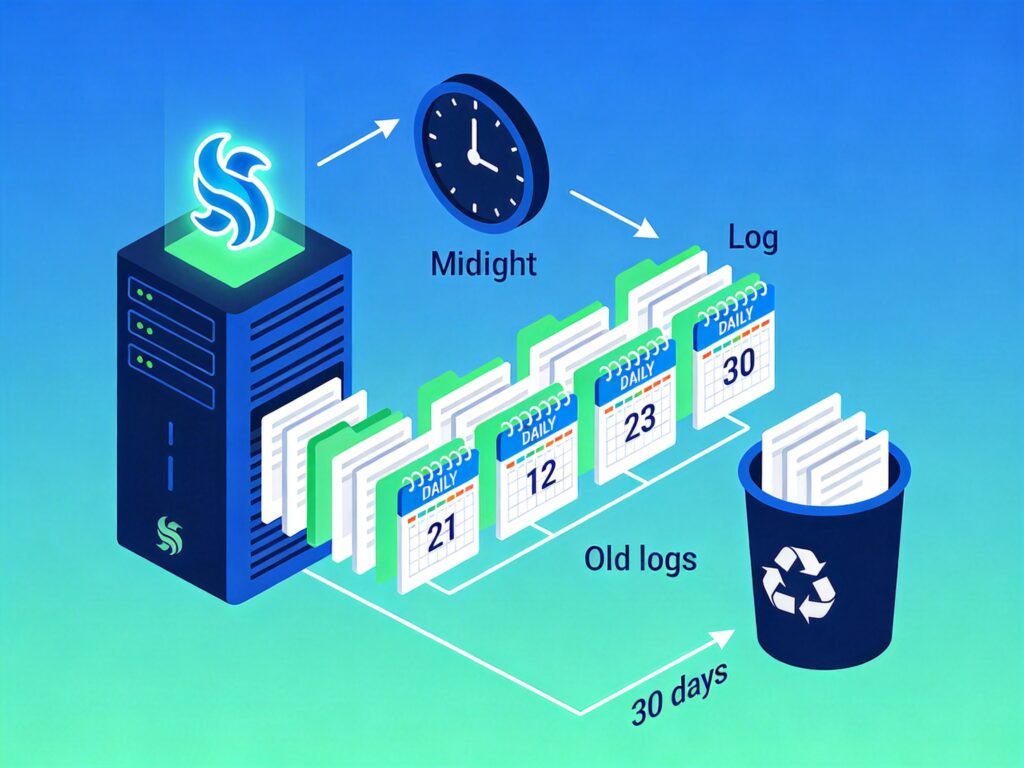
In a default LNMP setup, Nginx writes all logs to a single file. Over time, this file can become very large, making it difficult to manage and analyze. Implementing a log rotation script allows you to split logs into daily files and automatically clean up old logs.
1. Download and Configure the Log Rotation Script
1. Download the script to your server (e.g., to /root/):
wget -O /root/cut_nginx_logs.sh http://soft.vpser.net/lnmp/ext/cut_nginx_logs.sh2. Edit the script to match your environment:
vi /root/cut_nginx_logs.shThe key configuration parameters you need to check are:
# Root directory for Nginx logs
log_files_path="/home/wwwlogs/"

# Path format for rotated logs (organized by year/month)
log_files_dir=${log_files_path}$(date -d "yesterday" +"%Y")/$(date -d "yesterday" +"%m")

# Names of log files to rotate (without .log extension)
log_files_name=(access vpser.net licess)

# Path to the Nginx executable
nginx_sbin="/usr/local/nginx/sbin/nginx"

# Number of days to keep old logs
save_days=30
Important Notes:
- Names in the
log_files_namearray must exactly match the log file names (without the.logextension) in yourlog_files_pathdirectory. - Adjust the
nginx_sbinvariable if your Nginx installation path is different. save_days=30means logs older than 30 days will be automatically deleted.
2. Set Up a Cron Job for Automation
To run the script automatically every day, add a cron job.
1. Edit your user's crontab:
crontab -e2. Add the following line to the end of the file to execute the script daily at midnight:
0 0 * * * /bin/bash /root/cut_nginx_logs.sh3. Save and exit the editor. The cron service will load the new configuration.
3. How the Script Works and Verification
The script performs three main actions:
- Rotation: Copies and renames the specified log files (e.g.,
access.log) with yesterday's date (e.g.,access_20250315.log), then truncates the original log file. - Reload: Sends the
USR1signal to the Nginx master process, forcing it to reopen its log files and write new entries to the fresh, empty file. - Cleanup: Deletes all
.logfiles in thelog_files_pathdirectory that are older than the number of days specified bysave_days.
You can test the script manually to verify your configuration:
/bin/bash /root/cut_nginx_logs.shAfter running, check the /home/wwwlogs/ directory. You should see new log files organized by year and month, and the original log files should be empty.