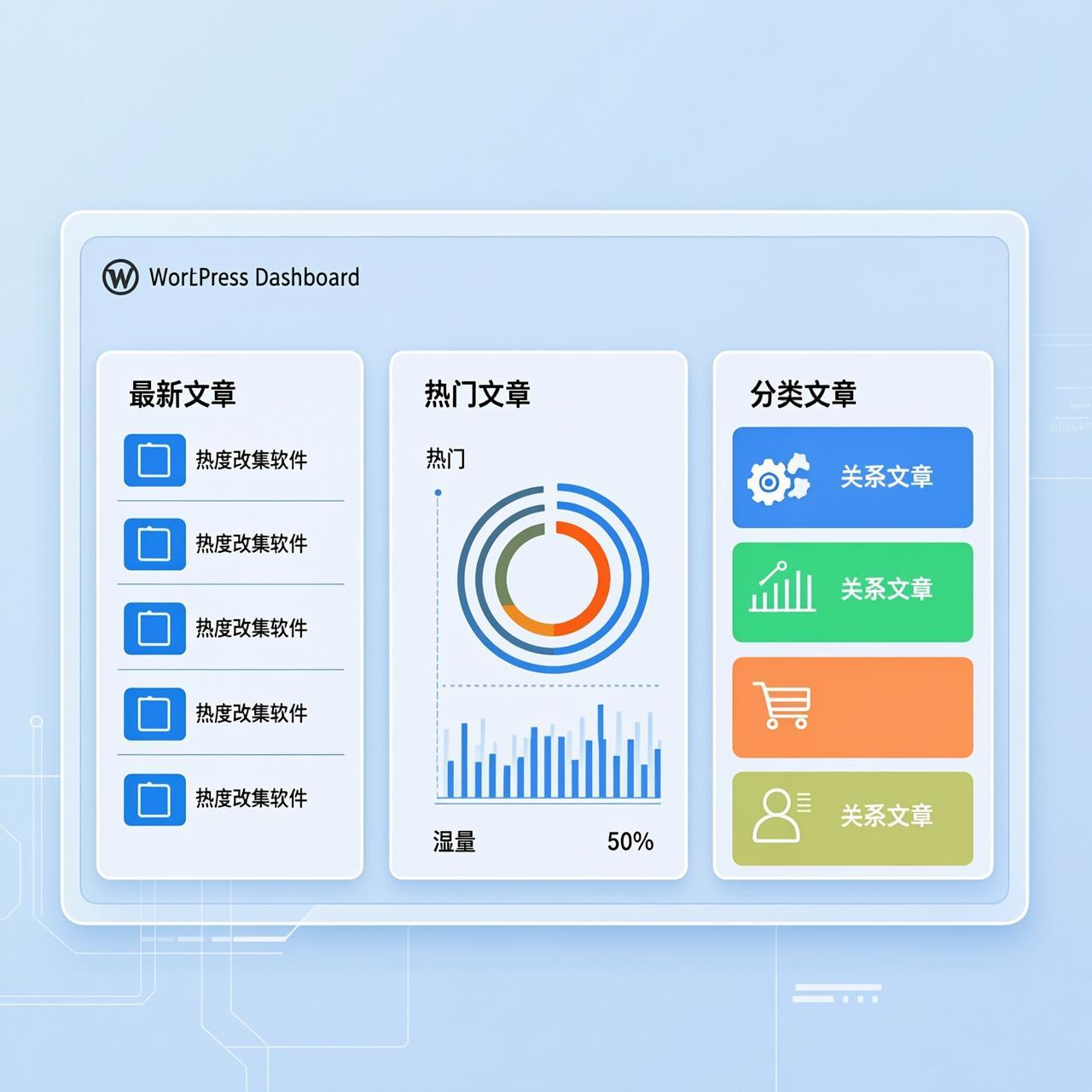
Fetching post data is a common requirement when developing WordPress themes. As themes become more feature-rich and demands diversify, the need to display posts in various ways grows. The most frequent requests are for displaying latest posts, popular posts, and posts from specific categories.
This tutorial provides clear methods for each scenario.
Display Posts from a Specific Category
The query_posts() function can quickly fetch posts from a category. Important: query_posts() modifies the main query and can affect other page sections. It's best used in secondary loops (like sidebars) or before the main loop, followed by wp_reset_query().
<?php
// Fetch 5 latest posts from category ID 1
query_posts('cat=1&posts_per_page=5');
while (have_posts()) : the_post(); ?>
    <a href="<?php the_permalink(); ?>"><?php the_title(); ?></a>
<?php endwhile;
wp_reset_query(); // Reset query to avoid affecting the main loop
?>
Key Parameters:
cat: The category ID.posts_per_page: Number of posts to show (use this instead of the deprecatedshowposts).
Display Latest Posts
Fetching the most recent posts is a fundamental task. You can specify a category or fetch from all categories.
<?php
// Fetch 6 latest posts from the entire site
$args = array(
    'posts_per_page' => 6,
    'orderby' => 'date', // Order by publish date
    'order' => 'DESC' // Descending order (newest first)
);
$latest_posts = new WP_Query($args);
if ($latest_posts->have_posts()) :
    while ($latest_posts->have_posts()) : $latest_posts->the_post(); ?>
        <a href="<?php the_permalink(); ?>"><?php the_title(); ?></a>
    <?php endwhile;
    wp_reset_postdata(); // Reset post data
endif;
?>
Note: Using the WP_Query object is the modern, safer approach as it does not interfere with the main query.
Display Popular Posts
Popular posts are typically sorted by comment count or page views. This example sorts by comment count.
<?php
$post_num = 10; // Number of posts to show
$args = array(
    'post_status' => 'publish', // Only published posts
    'post__not_in' => array(get_the_ID()), // Exclude current post (if on a single post page)
    'ignore_sticky_posts' => 1, // Ignore sticky posts (replaces deprecated 'caller_get_posts')
    'orderby' => 'comment_count', // Order by number of comments
    'order' => 'DESC', // Descending order (most comments first)
    'posts_per_page' => $post_num
);
$popular_posts = new WP_Query($args);
if ($popular_posts->have_posts()) :
    while ($popular_posts->have_posts()) : $popular_posts->the_post(); ?>
        <a href="<?php the_permalink(); ?>"><?php the_title(); ?></a>
    <?php endwhile;
    wp_reset_postdata();
endif;
?>
Key Points & Corrections:
- Replaced the deprecated
caller_get_postsparameter with the standardignore_sticky_posts => 1. - Used
get_the_ID()to dynamically exclude the current post, making the code more reusable. - Using
WP_Querywithwp_reset_postdata()is the best practice for custom queries. - To sort by page views, you typically need a plugin (like WP-PostViews) or a custom field, and would adjust the
orderbyparameter accordingly.
These methods provide clear, adaptable code examples. Adjust the parameters to suit your specific theme requirements.