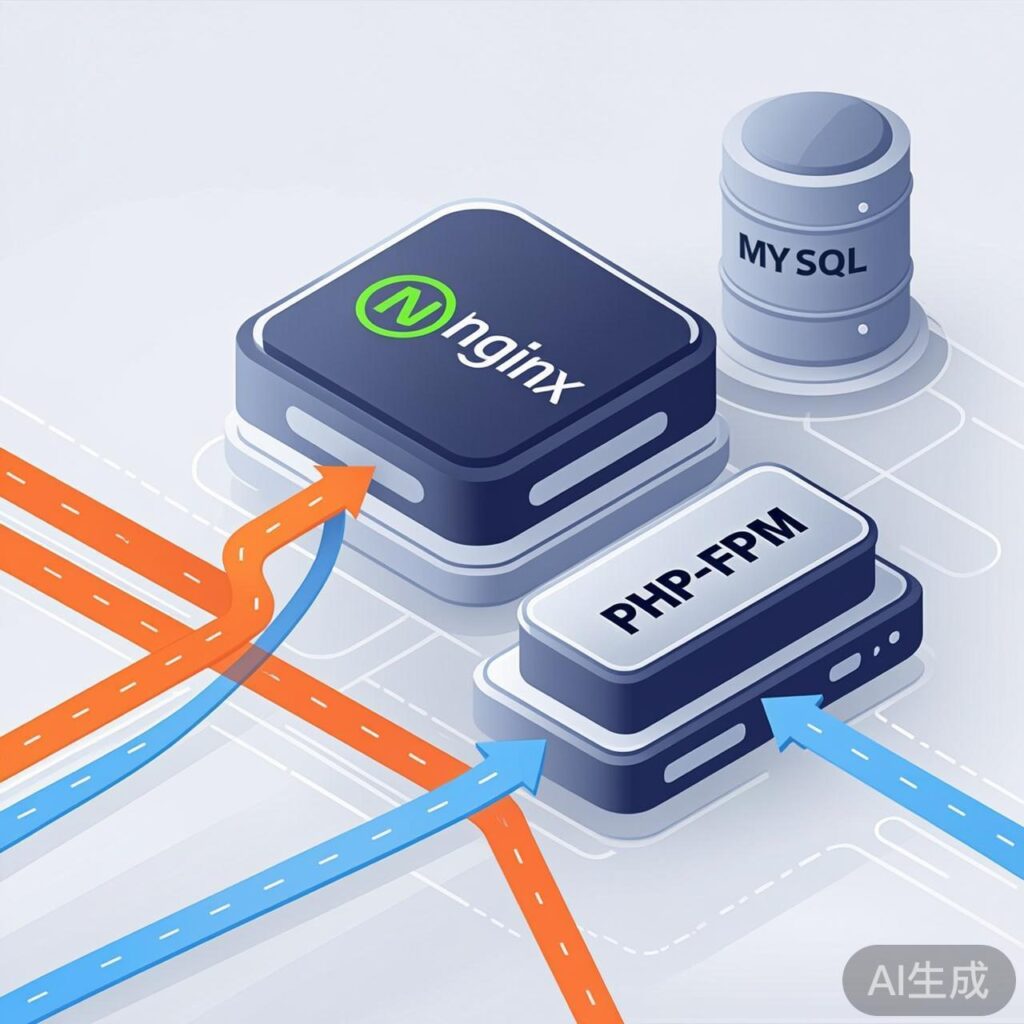
Introduction: Performance Challenges for High-Traffic WordPress Sites
As WordPress site traffic grows, the traditional LAMP (Linux, Apache, MySQL, PHP) stack can encounter performance bottlenecks under high concurrent loads. While Apache is feature-rich and modular, its process/thread model consumes significant memory under high concurrency, potentially slowing response times. For sites expecting massive traffic, adopting the LNMP (Linux, Nginx, MySQL, PHP-FPM) architecture often becomes the key to improved performance and scalability.
Core Advantages of the LNMP Architecture
1. Nginx: High Performance & Low Resource Usage
Nginx uses an event-driven, asynchronous, non-blocking architecture. Compared to Apache's traditional process/thread model, it can handle far more concurrent connections with less memory on the same hardware. This is crucial for WordPress sites serving thousands of simultaneous visitors.
- Efficient Static File Serving: Nginx excels at quickly delivering static resources like images, CSS, and JavaScript, reducing load on the application server.
- Reverse Proxy & Load Balancing: It can easily be configured as a reverse proxy to backend PHP-FPM pools, enabling load balancing and horizontal scaling.
2. PHP-FPM: Optimized Process Management
PHP-FPM (FastCGI Process Manager) is a high-performance process manager designed for PHP. It offers superior process management and resource isolation compared to the traditional mod_php Apache module.
- Flexible Process Pool Configuration: You can fine-tune settings like the number of child processes (
pm.max_children) and startup mode (ondemand, dynamic, static) based on server memory and expected traffic, preventing memory exhaustion. - Improved Stability: A crashed PHP process does not affect the web server (Nginx) itself, increasing overall system stability.
3. Seamless Integration with Caching Strategies
The LNMP stack integrates exceptionally well with various caching plugins and solutions, enabling a multi-layered caching approach.
- Nginx FastCGI Cache: Can cache dynamic page output directly at the Nginx level. For sites with few logged-in users, this drastically reduces PHP and database queries, delivering near-static page speeds.
- Redis/Memcached Object Cache Compatibility: Using PHP extensions (e.g., Redis, Memcached) and WordPress plugins (e.g., Redis Object Cache), you can store database query results and sessions in memory, significantly lowering database load.
LNMP vs. LAMP for WordPress: Key Comparison
| Comparison | LNMP (Nginx + PHP-FPM) | LAMP (Apache + mod_php) |
|---|---|---|
| Concurrency Model | Event-driven, async, non-blocking. Excellent high-concurrency performance. | Process/thread-driven. Resource consumption grows faster under high concurrency. |
| Memory Usage | Relatively lower and more stable. | Higher, as each process loads the PHP module. |
| Static File Handling | Natively efficient, no extra modules needed. | Requires optimized configuration (e.g., mod_expires, mod_deflate). |
| .htaccess Support | No dynamic reading. Rules must be pre-defined in config files for higher performance. | Supports dynamic reading via .htaccess, flexible but incurs per-request overhead. |
| Configuration Complexity | More centralized configs, unique syntax, steeper learning curve. | Modular configuration, .htaccess is user-friendly, easier to start. |
Practical Deployment Tips for High-Traffic WordPress on LNMP
1. Basic Installation & Configuration
On a Linux server, use your package manager (apt, yum) to install Nginx, MySQL/MariaDB, PHP, and PHP-FPM. Ensure PHP version 7.4 or higher and install required extensions (mysqli, curl, gd, xml, zip).
2. Essential Nginx Server Block Configuration
Place this optimized WordPress configuration inside your server { ... } block.
location / {
    try_files $uri $uri/ /index.php$is_args$args;
}

location ~ .php$ {
    include fastcgi_params;
    fastcgi_pass unix:/run/php/php8.1-fpm.sock; # Adjust path
    fastcgi_param SCRIPT_FILENAME $document_root$fastcgi_script_name;
    # Buffer tuning for performance
    fastcgi_buffer_size 128k;
    fastcgi_buffers 256 16k;
}

# Cache static files
location ~* .(js|css|png|jpg|jpeg|gif|ico|svg|woff|woff2|ttf|eot)$ {
    expires 1y;
    add_header Cache-Control "public, immutable";
    access_log off;
}
3. Enable Nginx FastCGI Cache (Optional but Recommended)
Define cache parameters in the http {} block and enable it in server {}.
# In http block
fastcgi_cache_path /var/run/nginx-cache levels=1:2 keys_zone=WORDPRESS:100m inactive=60m;
fastcgi_cache_key "$scheme$request_method$host$request_uri";

# In server block, before PHP location
set $skip_cache 0;
if ($request_method = POST) { set $skip_cache 1; }
if ($query_string != "") { set $skip_cache 1; }
if ($request_uri ~* "/wp-admin/|/wp-json/|.*.php|/feed/|sitemap.xml") { set $skip_cache 1; }
if ($http_cookie ~* "comment_author|wordpress_[a-f0-9]+|wp-postpass") { set $skip_cache 1; }

location ~ .php$ {
    # ... existing fastcgi params ...
    fastcgi_cache WORDPRESS;
    fastcgi_cache_valid 200 301 302 1h;
    fastcgi_cache_bypass $skip_cache;
    fastcgi_no_cache $skip_cache;
    add_header X-FastCGI-Cache $upstream_cache_status;
}
4. Configure PHP-FPM Process Pool
Edit www.conf (e.g., /etc/php/8.1/fpm/pool.d/www.conf). Example for a 4GB server:
pm = dynamic
pm.max_children = 40
pm.start_servers = 10
pm.min_spare_servers = 5
pm.max_spare_servers = 20
pm.max_requests = 500
Important Notes & Common Pitfalls
- Permalinks: In LNMP, WordPress permalinks rely on Nginx's
try_filesdirective (as shown above), not .htaccess. - Plugin Compatibility: Most plugins work fine. A few relying on specific Apache modules may need adjustment.
- Debugging 502 Errors: Often related to PHP-FPM pool config (resource exhaustion), socket permissions, or Nginx-PHP-FPM connection. Check Nginx and PHP-FPM error logs.
- Security: Harden
php.iniandwww.conf(disable dangerous functions, restrict file uploads).
Conclusion
For high-traffic WordPress sites, the LNMP architecture delivers decisive advantages. Nginx's efficient concurrency handling, combined with PHP-FPM's stable process management and seamless multi-layer caching (FastCGI, object cache), significantly improves response times, capacity, and resource efficiency. While configuration is more involved than LAMP, the performance gains for high-load scenarios are substantial. Always conduct thorough testing and benchmarking before migration or deployment.