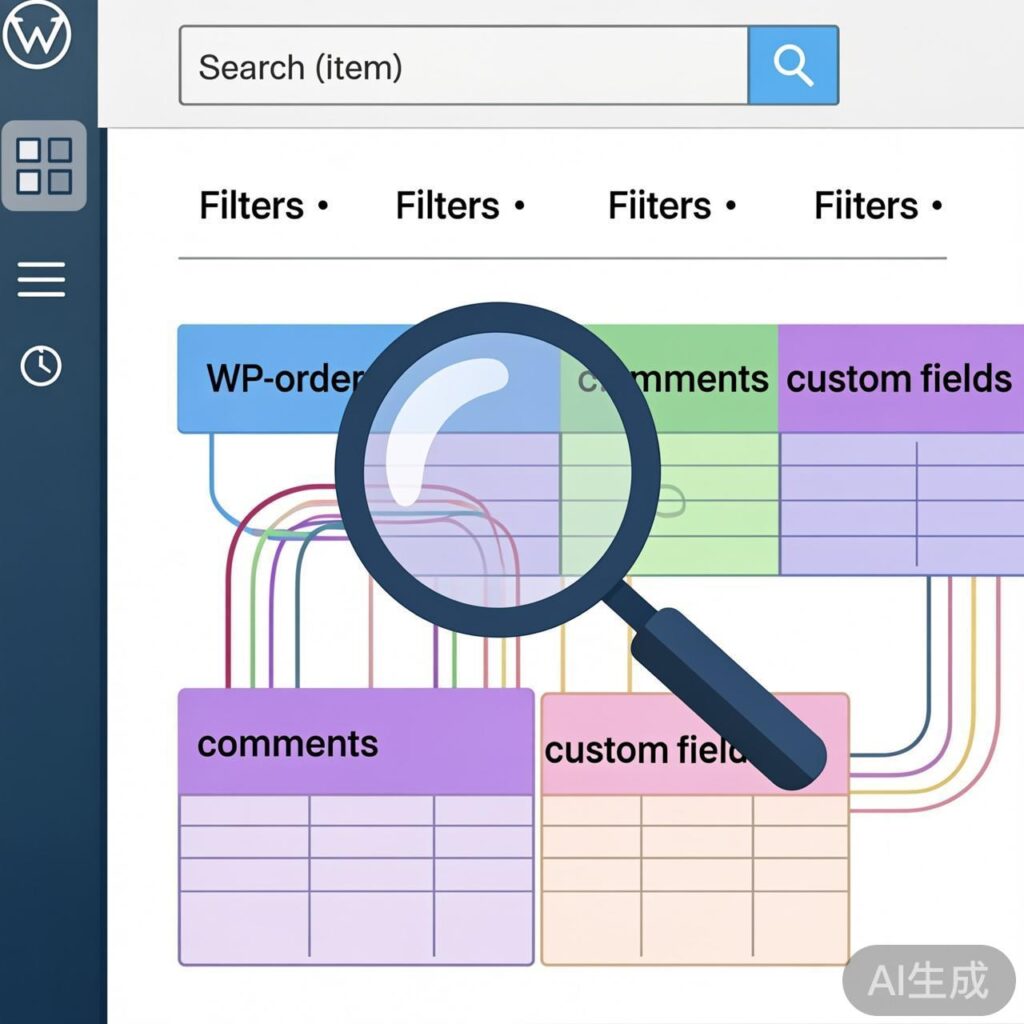
Multi-Condition Filtering by Custom Fields in WordPress Admin
In WordPress admin, you may need to add complex search conditions based on custom fields for comments, posts, or other lists. This example demonstrates how to extend the search scope of the admin comments list by modifying SQL query clauses.
Implementation Method
Add the following code to your theme's functions.php file, adjusting the custom table and query conditions as needed.
// Add custom admin comment search conditions
function comment_list_by_customer_search($clauses) {
    global $wpdb;
    $s = isset($_REQUEST['s']) ? $_REQUEST['s'] : '';

    if (empty($s)) {
        return $clauses;
    }

    $escaped_s = esc_sql($wpdb->esc_like($s));

    $clauses['where'] .= $wpdb->prepare(
        " OR `comment_ID` IN (SELECT o.cid FROM " . $wpdb->get_blog_prefix() . "orders o WHERE o.OrderID LIKE %s OR o.PNAME LIKE %s OR o.PayOrder LIKE %s)",
        '%' . $escaped_s . '%',
        '%' . $escaped_s . '%',
        '%' . $escaped_s . '%'
    );

    return $clauses;
}
add_filter('comments_clauses', 'comment_list_by_customer_search');
Code Explanation & Notes
- Function: This code uses the
comments_clausesfilter to append conditions to the SQL WHERE clause for the admin comments list. When a user enters a keyword in the search box, it searches both default comment content and related fields in a customorderstable. - Security: The code uses
$wpdb->prepare()and$wpdb->esc_like()to escape user input, preventing SQL injection. - Customization: Modify these parts for your setup:
- Custom table name (e.g.,
wp_orders). - Association field (e.g., comment ID linked to
cidin the orders table). - Fields to search (e.g.,
OrderID,PNAME,PayOrder).
- Custom table name (e.g.,
- Use Case: This approach is useful when leveraging WordPress's comment system as a container for custom data (like orders) stored in a separate table, reusing admin list, search, and pagination features without building a full management page.
Debugging & Verification
Use debugging plugins like Query Monitor to inspect the generated SQL and ensure query logic is correct and efficient.
This method provides flexible, multi-condition, cross-table search capabilities for various WordPress admin list interfaces.