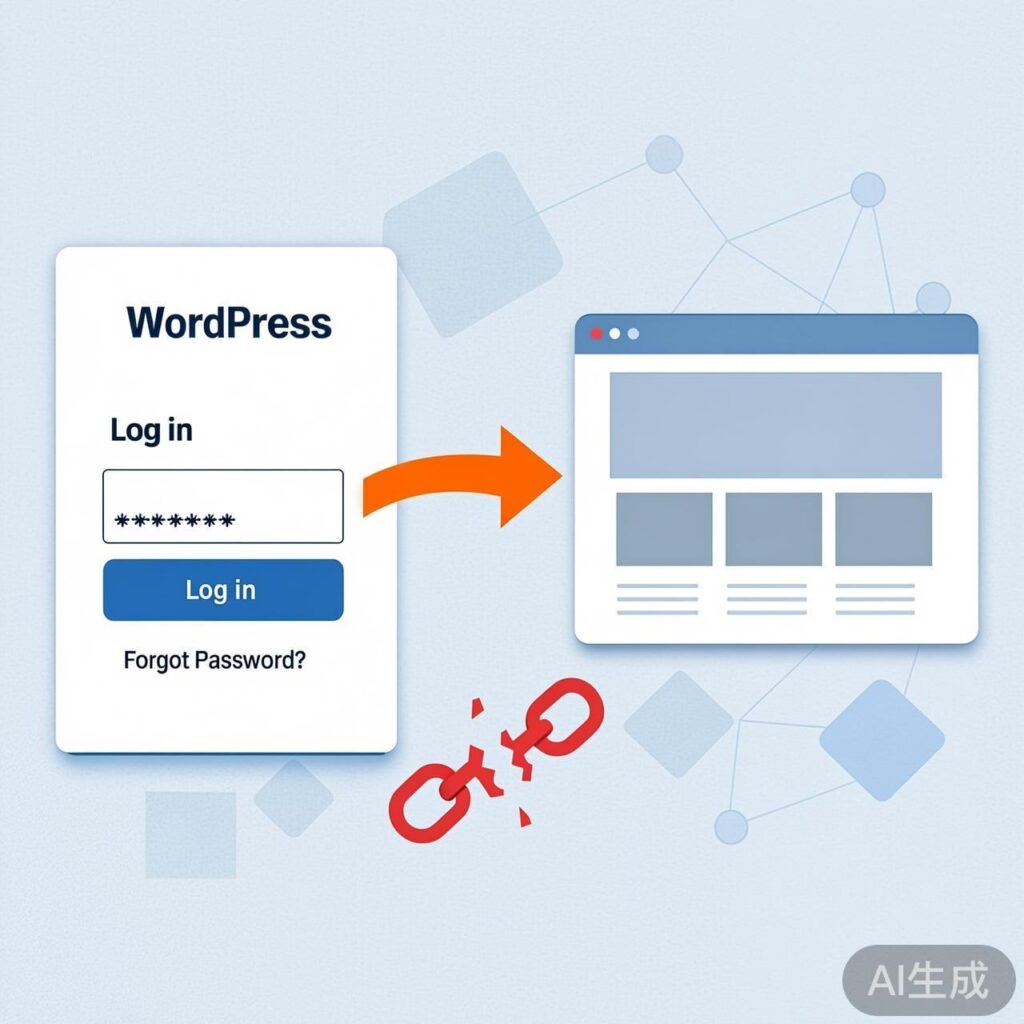
Problem Description
A WordPress site, after migrating servers and upgrading using Alibaba Cloud's snapshot and image features, encountered an issue where the admin dashboard was inaccessible. The specific symptom was: after entering the correct username and password on the login page, the user was not taken to the admin dashboard but was instead redirected back to the site's homepage.
Analysis and Troubleshooting Steps
Initial suspicion pointed to plugin conflicts or program errors, but no anomalies were found. Attention then shifted to potential cookie or session issues, and even incorrect password memory. The root cause was eventually traced to a piece of code in the site's functions.php file designed to restrict access to the admin login.
This code's original purpose was to only display the login form when accessing the login page (wp-login.php) with a specific query parameter (e.g., ?loginaccess=xxxx). Otherwise, it would redirect users to the homepage. After the server migration, due to environmental changes or caching, this redirect logic was inadvertently triggered, preventing the login process even with correct credentials.
Solution
Follow these steps to resolve the issue:
- Remove the Admin Access Restriction Code
Edit the current theme'sfunctions.phpfile. Locate and delete code similar to the following:add_action('login_enqueue_scripts','cracker'); function cracker(){ if($_GET['loginaccess']!= 'xxxx') header('Location:http://www.yourdomain.com/'); }This code intercepts the login page and performs a redirect. Removing it should allow the login page to load normally.
- (Optional) Reset Admin Password via Code
If you suspect a password issue or need to reset it, you can temporarily add the following code to the end offunctions.php:wp_set_password('your_new_password_here', 1);Replace
your_new_password_herewith your desired new password. The number1typically represents the user ID of the first created user (the super admin). After adding, visit any page on the site once to trigger the function.
Warning: This action immediately changes the specified user's password. Use with caution. - Restart PHP Service to Clear Opcache
If the server has PHP Opcache or similar bytecode caching enabled, changes tofunctions.phpmay not take effect immediately. Connect to the server via SSH and restart the PHP-FPM service:sudo systemctl restart php-fpmOr use the appropriate service management command for your system.
- Cleanup and Verification
After resetting the password (if you performed step 2), immediately remove the password reset code added in step 2 fromfunctions.php. Then, restart the PHP-FPM service again (step 3). You can now attempt to log into the WordPress admin using the new password.
Summary and Reflection
The root cause of this problem was a conflict between custom security code (admin access restriction) and the new server environment after migration. Key takeaways:
- Before server migration or major environment changes, review and temporarily disable non-core custom code.
- Complex symptoms often have simple causes, like a single line of code. Troubleshoot systematically by checking all custom modifications, not just common plugin/theme conflicts.
- Maintain records of all code changes in production environments for quick troubleshooting.