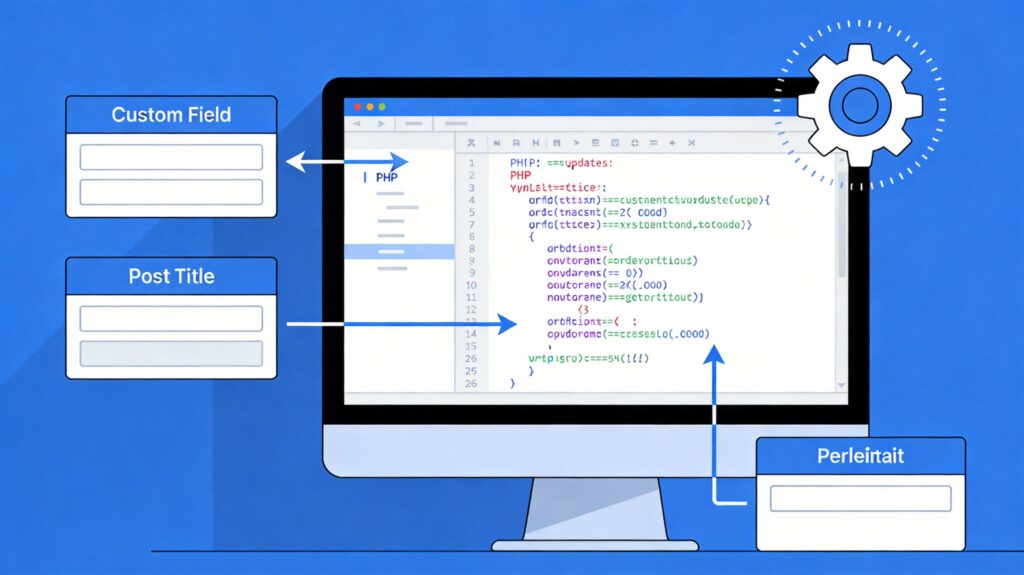
How to Dynamically Update Permalink and Title Using Custom Field Values
In WordPress development, you may need to dynamically update a post's title and permalink based on custom field values. This can be achieved by adding hook functions to your theme's functions.php file.
Core Implementation Code
Add the following code to your current theme's functions.php file:
add_filter( 'wp_insert_post_data', 'wpse_dynamic_title_permalink', 50, 2 );
function wpse_dynamic_title_permalink( $data, $postarr ) {
    // Check and avoid execution for draft, pending, or auto-draft status
    if ( ! in_array( $data['post_status'], array( 'draft', 'pending', 'auto-draft' ) ) ) {
        // Get custom field value from POST data, e.g., 'custom_title'
        $custom_title = isset( $_POST['custom_title'] ) ? sanitize_text_field( $_POST['custom_title'] ) : '';

        // If custom field is not empty, update title and permalink
        if ( ! empty( $custom_title ) ) {
            $data['post_title'] = $custom_title;
            $data['post_name']  = sanitize_title( $custom_title );
        }
    }
    return $data;
}
Code Explanation and Notes
- Hook Choice: The
wp_insert_post_datafilter runs before post data is inserted into the database, allowing modification of core data like title and permalink. - Status Check: The code first checks the post status to avoid updates for 'draft', 'pending', or 'auto-draft' states, preventing unnecessary operations or errors.
- Data Source: The example assumes the custom field key is
custom_titleand retrieves it via$_POST. In practice, replace this with your actual custom field key (e.g., from Advanced Custom Fields or a meta box). - Security Handling: Uses
sanitize_text_field()to clean the custom field value andsanitize_title()to generate a safe permalink slug. - Empty Value Check: Checks if the custom field value is empty, ensuring updates only occur when a valid value exists.
Advanced Usage and Priority
- Multiple Hook Priority: If your site runs multiple plugins or code that modify post data, adjust the priority in
add_filter(e.g.,50in the example) to ensure your logic executes at the right time. - Alternative Value Retrieval: If custom field values aren't submitted via standard POST (e.g., in REST API or bulk edit scenarios), use
get_post_meta( $postarr['ID'], 'field_key', true )to fetch saved values. - Update Permalink Only: To update only the permalink based on the title, use a simplified version that generates
post_namedirectly from$data['post_title'].
This method enables dynamic updates to post titles and permalinks based on custom field content, enhancing content management flexibility.