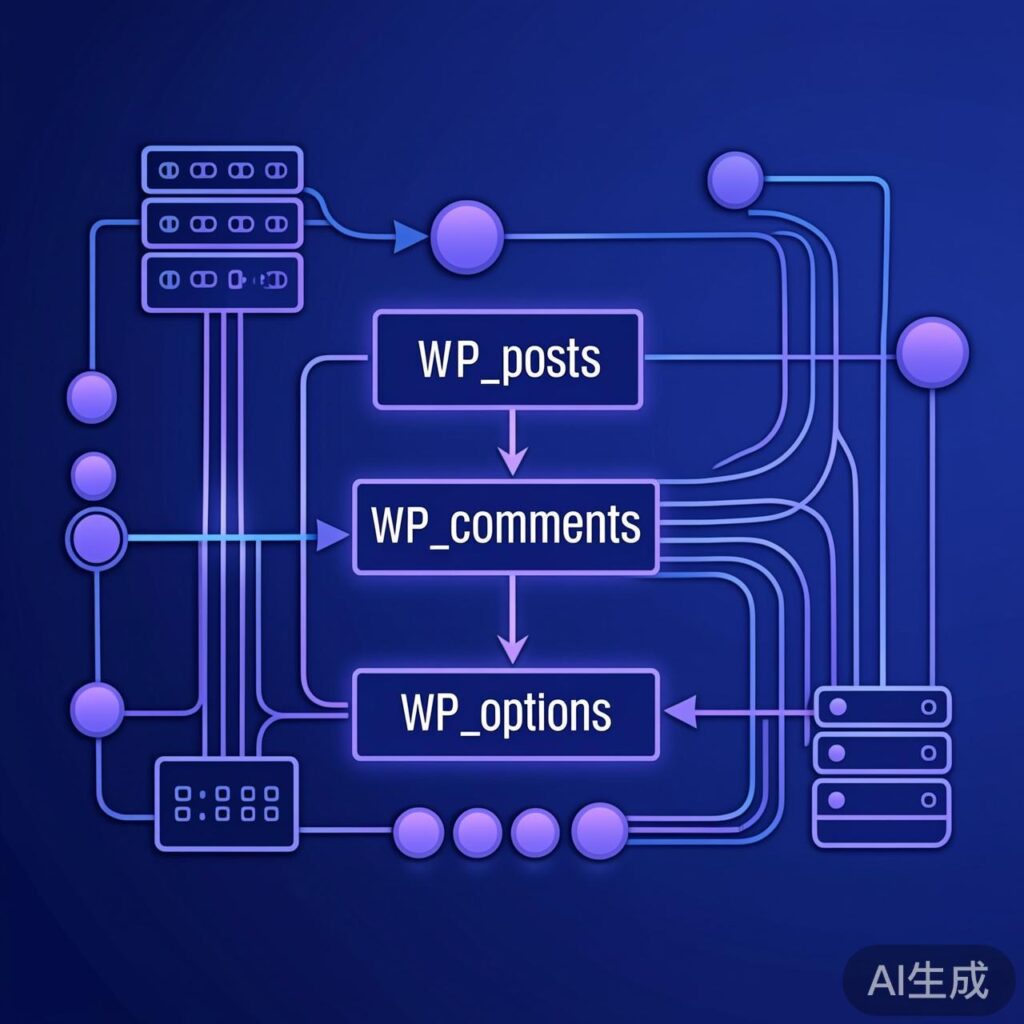
WordPress Core Database Tables Overview
WordPress uses a structured set of database tables to store all website content, settings, and relationships. Understanding this structure is essential for data migration, custom development, or publishing content using collection tools like Locoy Spider. Below is a detailed introduction to the core tables and their key fields in a default WordPress installation.
1. wp_commentmeta
Stores metadata for comments, typically used by plugins (e.g., Akismet) or specific features to record additional attributes.
- meta_id: Auto-incrementing unique ID.
- comment_id: Associated comment ID, referencing
wp_comments.comment_ID. - meta_key: Metadata key name.
- meta_value: Metadata value.
2. wp_comments
Stores all comment information for the site.
- comment_ID: Auto-incrementing unique ID.
- comment_post_ID: ID of the post the comment belongs to.
- comment_author: Comment author's name.
- comment_author_email: Comment author's email.
- comment_author_url: Comment author's website URL.
- comment_author_IP: Comment author's IP address.
- comment_date: Comment submission time (local).
- comment_date_gmt: Comment submission time (GMT).
- comment_content: Comment body content.
- comment_approved: Comment approval status (e.g., '1' for approved, '0' for pending, 'spam').
- comment_agent: Commenter's browser User Agent string.
- comment_type: Comment type (e.g., empty for standard comment, 'pingback').
- comment_parent: Parent comment ID for threaded replies.
- user_id: Commenter's user ID (if logged in).
3. wp_links
Stores blogroll (link) information. This feature is hidden by default in newer WordPress versions, but the table remains.
- link_id: Auto-incrementing unique ID.
- link_url: Link URL.
- link_name: Link name/title.
- link_target: Link target (e.g.,
_blank). - link_description: Link description.
- link_visible: Visibility ('Y' or 'N').
4. wp_options
Stores all settings for WordPress core, themes, and plugins; the central configuration table.
- option_id: Auto-incrementing unique ID.
- option_name: Option name (e.g.,
siteurl,blogname, theme option prefixes). - option_value: Option value (often a serialized array or JSON string).
- autoload: Whether to load automatically on every page ('yes' or 'no').
5. wp_postmeta
Stores post metadata, extending post information for custom fields, featured images, SEO data, etc.
- meta_id: Auto-incrementing unique ID.
- post_id: Associated post ID, referencing
wp_posts.ID. - meta_key: Metadata key name (e.g.,
_thumbnail_id,_wp_page_template). - meta_value: Metadata value.
6. wp_posts
One of the most important tables, storing all posts, pages, attachments, and custom post type content.
- ID: Auto-incrementing unique ID, the post's primary identifier.
- post_author: Post author's user ID.
- post_date: Post publication time (local).
- post_date_gmt: Post publication time (GMT).
- post_content: Post body content (HTML).
- post_title: Post title.
- post_excerpt: Post excerpt.
- post_status: Post status (e.g.,
publish,draft,inheritfor attachments). - comment_status: Comment status (
openorclosed). - ping_status: Pingback and Trackback status.
- post_password: Post password for protection (if any).
- post_name: Post slug, used in friendly URLs.
- post_modified: Post last modified time.
- post_parent: Parent post ID (for page hierarchy and attachment ownership).
- guid: Globally Unique Identifier, typically the post's initial absolute URL (do not modify).
- menu_order: Page order number.
- post_type: Post type (e.g.,
post,page,attachment, or custom). - post_mime_type: Attachment MIME type (e.g.,
image/jpeg). - comment_count: Total number of comments on the post.
7. wp_terms
Stores the names and slugs for taxonomy terms like categories and tags.
- term_id: Unique ID for the term.
- name: Term name (e.g., "Tech Blog").
- slug: Term slug (URL-friendly, e.g., "tech-blog").
8. wp_term_relationships
Establishes many-to-many relationships between posts (or links) and taxonomy terms.
- object_id: Object ID, usually a post ID (
wp_posts.ID) or link ID. - term_taxonomy_id: Taxonomy term ID, referencing
wp_term_taxonomy.term_taxonomy_id. - term_order: Order number.
9. wp_term_taxonomy
Defines taxonomies (like categories, tags) and their properties.
- term_taxonomy_id: Unique ID for the taxonomy entry.
- term_id: Associated term ID, referencing
wp_terms.term_id. - taxonomy: Taxonomy type (e.g.,
category,post_tag, or custom). - description: Taxonomy term description.
- parent: Parent term's
term_idfor hierarchical taxonomies. - count: Number of posts using this term.
10. wp_usermeta
Stores user metadata, extending user information for nicknames, capabilities, personal settings, etc.
- umeta_id: Auto-incrementing unique ID.
- user_id: Associated user ID, referencing
wp_users.ID. - meta_key: Metadata key name (e.g.,
nickname,wp_capabilities). - meta_value: Metadata value.
11. wp_users
Stores core user account information.
- ID: Auto-incrementing unique ID, the user's primary identifier.
- user_login: User login name.
- user_pass: Encrypted user password.
- user_nicename: User nickname (URL-friendly).
- user_email: User email address.
- user_url: User website URL.
- user_registered: User registration time.
- display_name: Name displayed publicly.
Important Notes
The field list above is based on the standard WordPress structure. Between versions, some fields may be deprecated, added, or have their purpose modified. Before performing data operations (especially direct database writes via collection tools), always verify the table structure of your target WordPress version. Direct database manipulation carries risks; it is recommended to use WordPress functions (e.g., wp_insert_post) or the REST API for content management whenever possible.