Changing File Ownership and Group in Linux
In Linux, managing file and directory ownership is a fundamental system administration task. The chown and chgrp commands are used to change the user and group ownership of files and directories.
Using the chown Command to Change Owner
The chown command changes the owner (user) of a file or directory. Its basic syntax is:
chown user file_or_directoryFor example, to change the owner of the directory /home/qq to the user www:
chown www /home/qqAfter executing this command, the owner of /home/qq becomes the user www.
Using the chgrp Command to Change Group
The chgrp command changes the group ownership of a file or directory. Its basic syntax is:
chgrp group file_or_directoryFor example, to change the group of the directory /home/qq to the www group:
chgrp www /home/qqAfter execution, the group ownership of /home/qq becomes the www group.
Changing User and Group Simultaneously
The chown command is more versatile and can change both the user and group at once using this syntax:
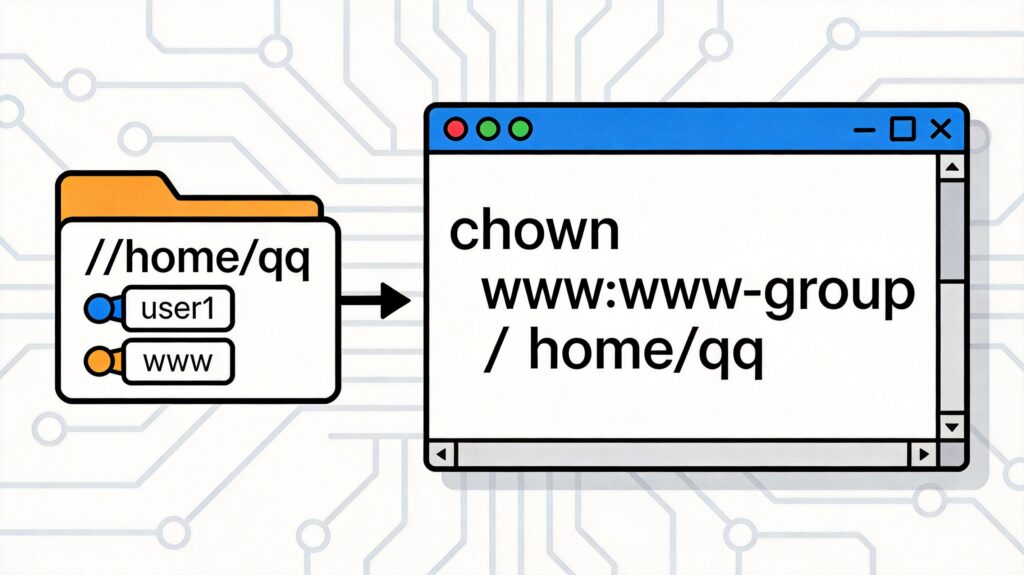
chown user:group file_or_directoryFor example, to change the owner to www and the group to www-group for /home/qq:
chown www:www-group /home/qqThis combined method is more common and efficient.
Recursively Modifying a Directory and Its Contents
To change ownership for a directory and all files and subdirectories within it, use the -R (recursive) option:
chown -R www:www /var/www/html
chgrp -R www /var/www/html
Be cautious: recursive operations affect all items under the target path. Verify the path before proceeding.
Note: Changing file or directory ownership typically requires administrative privileges. A regular user may need to prepend
sudoto the command, e.g.,sudo chown www:www /home/qq.