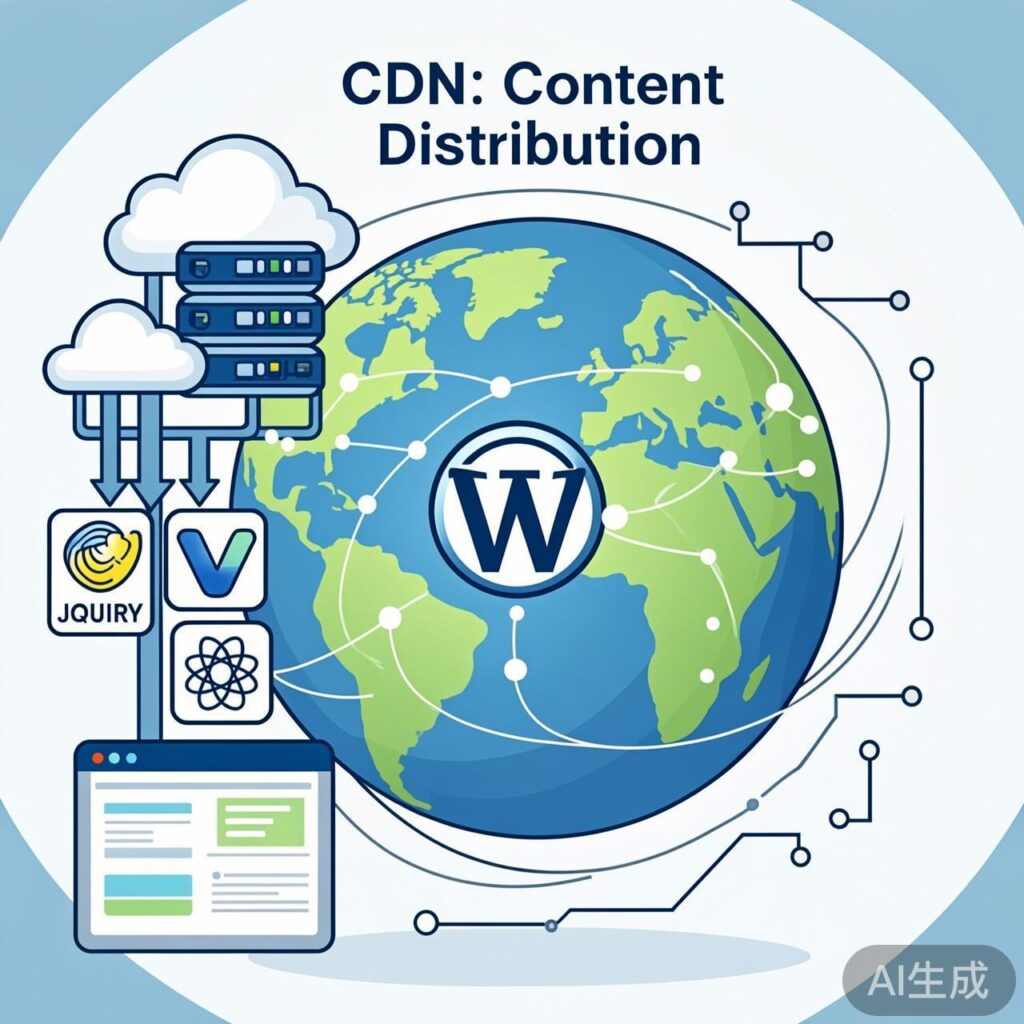
Introduction to Upyun's Public JavaScript Library CDN Service
Upyun provides a free public JavaScript library CDN service at https://jscdn.upai.com/. You can directly reference these resources in your web pages via <script> tags, offering two main benefits:
- Save Server Bandwidth: JavaScript files load from Upyun's CDN, reducing your own server's bandwidth consumption.
- Improve Loading Speed: Upyun's CDN network distributes resources to nodes closer to users, accelerating load times.
Supported JavaScript Libraries
Upyun's CDN hosts many common front‑end JavaScript libraries, including but not limited to:
- jQuery (multiple versions)
- MooTools
- Modernizr
- Dojo
- Ember.js
- Vue.js
- React
- Bootstrap
If your WordPress theme or plugin uses these libraries, consider switching to Upyun's CDN to reduce page‑load time and optimize visitor experience.
Using Upyun CDN to Load jQuery in WordPress
Using the common jQuery library as an example, here is how to replace it with an Upyun CDN source.
Method: Modify via the Theme's functions.php File
In your current WordPress theme directory, locate the functions.php file and add the following code:
function replace_wordpress_jquery_with_cdn() {
    // Only affect front‑end pages, not the WordPress admin
    if ( ! is_admin() ) {
        // Deregister WordPress's built‑in jQuery
        wp_deregister_script( 'jquery' );
        // Register jQuery from Upyun CDN
        wp_register_script(
            'jquery',
            'https://upcdn.b0.upaiyun.com/libs/jquery/jquery-3.7.1.min.js',
            false, // No dependencies
            null,  // No version specified (avoids cache issues)
            false  // Load in <head>; change to true to load in footer
        );
        // Enqueue jQuery
        wp_enqueue_script( 'jquery' );
    }
}
add_action( 'wp_enqueue_scripts', 'replace_wordpress_jquery_with_cdn' );
Code Explanation and Notes
wp_deregister_script('jquery'): Removes the registration of WordPress core's jQuery.wp_register_script(): Registers a new script resource. The last parameter controls loading location:falseloads in<head>;trueloads just before</body>(often better for performance).- Version Selection: The example uses jQuery 3.7.1. Visit the Upyun CDN site to check and replace with other available version links.
- Plugin Compatibility: This method may affect plugins that depend on a specific jQuery version. If compatibility issues arise, consider reverting or using an alternative approach.
Other Public CDN Options
Besides Upyun, other public CDNs in China offer similar services, such as:
- BootCDN (maintained by Bootstrap Chinese website, rich in resources)
- Staticfile CDN (fast, stable open‑source library CDN service in China)
When choosing, consider speed, stability, resource‑update frequency, and privacy policies.
Summary and Best‑Practice Recommendations
- Test First: Before applying to production, verify on a test site that CDN loading works and no script conflicts occur.
- Use a Child Theme: When modifying
functions.php, do so in a child theme to avoid overwriting changes during theme updates. - Consider a Fallback: Public CDNs can become unavailable. A robust approach is to implement a "CDN‑fallback‑to‑local" strategy with additional scripting.
- Monitor Performance: Use tools like Google PageSpeed Insights or GTmetrix to compare page‑load performance before and after using the CDN.
By hosting static JavaScript libraries on Upyun or another public CDN, you can effectively reduce server load and leverage the CDN's global distribution network to deliver faster resource loading for your visitors.