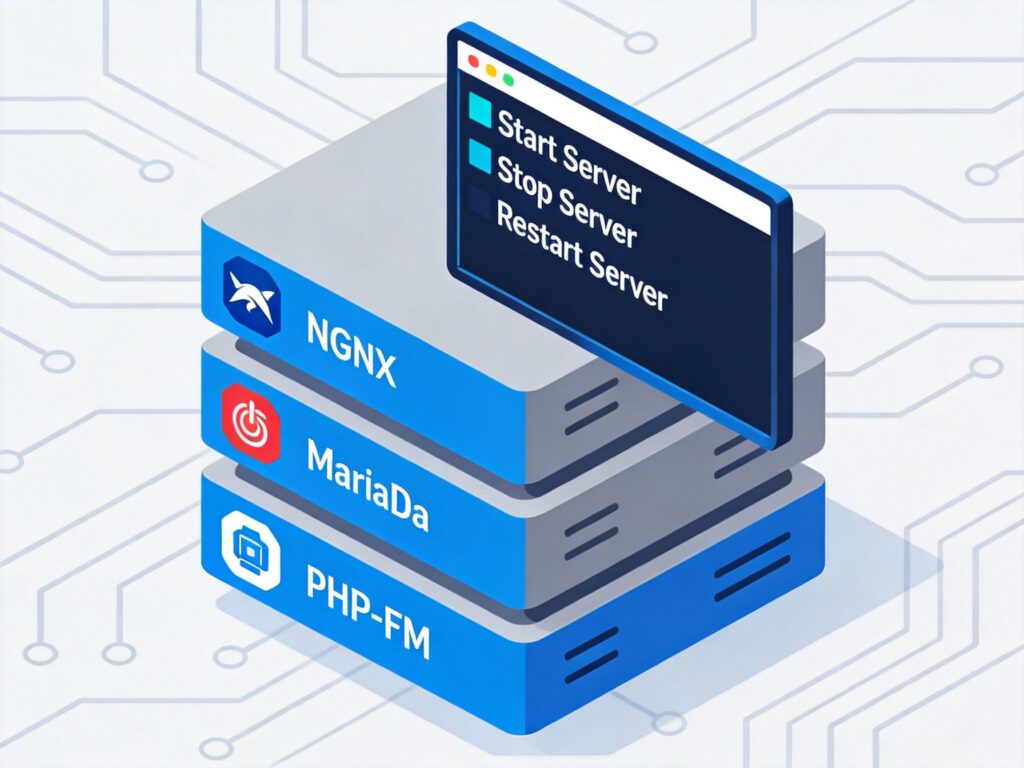
Introduction to Centmin Mod LEMP Script
Centmin Mod LEMP is a Linux, Nginx, MariaDB MySQL, and PHP-FPM web stack developed by George Liu (eva2000) for CentOS 6.x and 7.x. It provides a shell-based menu installer with features for Nginx and PHP version management, upgrades/downgrades, and Nginx virtual host configuration.
While it may be less known among some user groups, it offers excellent stability and performance optimization (especially for PHP and MySQL) and has an active community. For users seeking automated deployment and management of an LNMP environment, Centmin Mod is a solid option.
New Features in Version 1.2.3-eva2000.08
This version primarily adds the ability to set up a local Git environment via menu option 23, aiming to simplify code updates and support automated updates via Cron tasks. Additionally, users can extend the LEMP installation's functionality through Centmin Mod add-ons.
Core Components and Software Versions
Centmin Mod automatically installs the following main software stack on CentOS:
- Web Server: Nginx 1.9.3, with HTTPS/SPDY SSL, ngx_pagespeed, and Lua/LuaJIT support.
- Programming Language: PHP 5.4.44 (php-fpm), with support for PHP 5.3, 5.4, 5.5, 5.6, and PHP 7.0.
- Database: MariaDB 10.0.x (a MySQL performance fork), with future support for MariaDB 10.1.x.
- PHP Opcode Cache: Zend OpCache 7.0.5+, APC Cache 3.13, Xcache 3.2.0.
- Memory Cache: Memcached Server 1.4.24 + Memcache 3.0.8 PHP extension; Libmemcached 1.0.18 + Memcached 2.2.0 PHP extension.
- Multi-threaded Compression Tools: pigz, pbzip2, lbzip2, plzip, p7zip (optional).
- Security & File Transfer: CSF firewall, Pure-FTPD virtual FTP user support.
Key Feature Notes
- Nginx 1.9.3: This version introduced SPDY protocol support (note: modern practice has largely moved to HTTP/2).
- Lua & ngx_pagespeed: Provides powerful scripting extensions and web optimization capabilities, configurable as needed.
- PHP 7 Support: Allows users to experience the significant performance improvements of PHP 7.
- MariaDB Recommendation: As a high-performance fork of MySQL, MariaDB generally offers better performance than the original MySQL and is the recommended database choice.
Installation and Configuration Menu
Centmin Mod provides extensive management options through an interactive menu. Here is a functional overview:
--------------------------------------------------------
                   Centmin Mod Menu
--------------------------------------------------------
1).  Centmin Install
2).  Add Nginx vhost domain
3).  NSD setup domain name DNS
4).  Nginx Upgrade / Downgrade
5).  PHP Upgrade / Downgrade
6).  XCache Re-install
7).  APC Cache Re-install
8).  XCache Install
9).  APC Cache Install
10). Memcached Server Re-install
11). MariaDB 5.2/5.5 & 10.x Upgrade Sub-Menu
12). Zend OpCache Install/Re-install
13). Install ioping.sh vbtechsupport.com/1239/
14). SELinux disable
15). Install/Reinstall ImagicK PHP Extension
16). Change SSHD Port Number
17). Multi-thread compression: pigz,pbzip2,lbzip2...
18). Suhosin PHP Extension install
19). Install FFMPEG and FFMPEG PHP Extension
20). NSD Re-install
21). Update - Nginx + PHP-FPM + Siege
22). Add WordPress Nginx vhost + WP Super Cache
23). Update Centmin Mod Code Base
24). Exit
--------------------------------------------------------
Enter option [ 1 - 24 ]
Example: Adding a Virtual Host
Select menu option 2 to add a new Nginx virtual host. The process includes entering a domain name, choosing whether to create a self-signed SSL certificate, and setting up an FTP account. Here is a snippet of an interactive example:
Enter option [ 1 - 24 ] 2
--------------------------------------------------------
Enter vhost domain name to add (without www. prefix): newdomain.com

Create a self-signed SSL certificate Nginx vhost? [y/n]: y

Create FTP username for vhost domain (enter username): ftp1
Auto generate FTP password (recommended) [y/n]: y

FTP username you entered: ftpuser1
FTP password auto generated: *********************
-----------------------------------------------------------
SSL Vhost Setup...
-----------------------------------------------------------
Generating self signed SSL certificate...
Generating a 2048 bit RSA private key
........................................................+++
....+++
writing new private key to 'newdomain.com.key'
-----
Signature ok
Summary and Recommendations
The Centmin Mod LEMP script provides a powerful, all-in-one solution for rapidly deploying and efficiently managing a high-performance web environment on CentOS. Its modular menu and extensive software support (including cutting-edge PHP 7 and MariaDB) make it well-suited for developers, system administrators, and enthusiasts who want deep server customization.
Note: The mentioned Nginx 1.9.3 and SPDY protocol represent an older technology stack. For new deployments, check if the script has been updated to support newer Nginx versions (e.g., 1.18+ or mainline) with HTTP/2 enabled by default. Always consult the official community (https://community.centminmod.com/forums/) for the latest information and support before installation.