What is Google AdSense Traffic Segmentation?
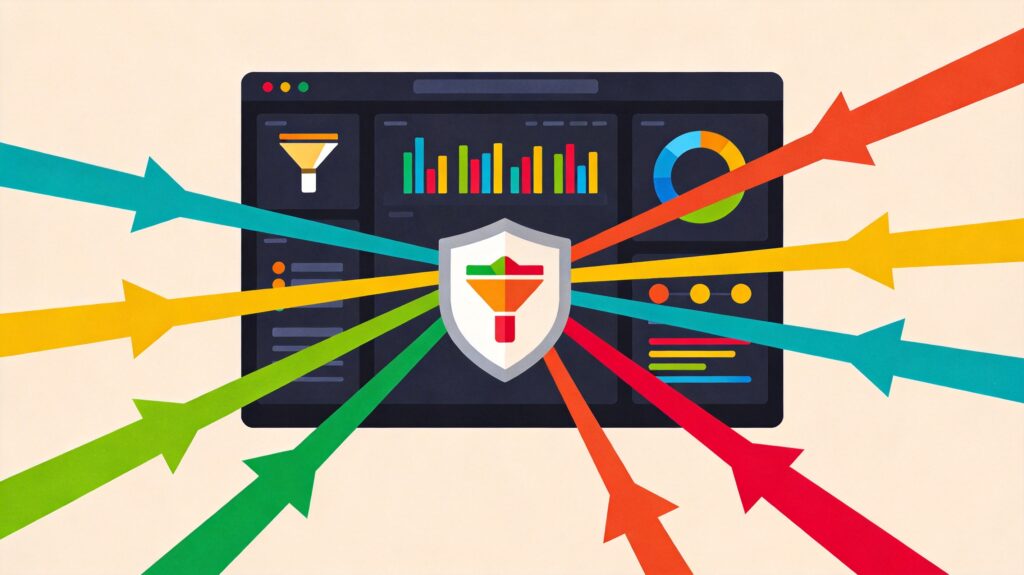
Traffic segmentation is the process of tracking, analyzing, and understanding how different traffic sources (like search engines, social media, direct visits) impact your website's ad performance. This is done by setting up ad units, custom channels, and using analytics tools. It helps you break down overall traffic data into meaningful components for better decision-making.
The Core Value of Traffic Segmentation
Implementing traffic segmentation offers two main advantages:
1. Deep Understanding of Traffic & Users
- Identify High-Performing Traffic Sources: Pinpoint which channels deliver the best ad click-through rates (CTR) and revenue.
- Optimize User Acquisition Paths: Understand how users find your site to refine marketing strategies and content layout.
2. Protection Against Invalid & Fraudulent Activity
- Proactive Monitoring: Continuously observe performance across traffic sources to quickly spot data anomalies (like sudden CTR spikes).
- Safeguard Account Security: Stop working with sources sending invalid or suspicious traffic to ensure compliance with AdSense program policies and protect your account from penalties.
How to Implement Traffic Segmentation: A Two-Step Method
We recommend a systematic two-step approach, combining AdSense channels with a website analytics tool (like Google Analytics 4).
Step 1: Set Up Channels in AdSense to Define Tracking Scope
Primarily use two types of channels in your AdSense account:
- Custom Channels: Used to track and compare the performance of specific ad units or ad groups. You can create custom groupings beyond default report dimensions (like ad size).
- URL Channels: Used to track ad performance across different sections or pages of your website (e.g., homepage, blog area, product pages).
Custom Channel Segmentation Examples:
- By Placement: Above-the-fold ads, sidebar ads, in-article ads.
- By Traffic Source: Search engine traffic, social media traffic, email marketing traffic.
- By Website Section: News section, forum section, tutorial section.
Step 2: Use Analytics Tools to Interpret Data
Setting up channels is not enough. You need an analytics tool to provide detailed user behavior data for each traffic source.
Key Action: Create and Track Custom URLs (UTM Parameters)
Create unique tracking URLs for each marketing campaign or traffic source. For example:
- Use links with UTM parameters in social media posts.
- Use dedicated tracking links in newsletters.
This allows your analytics tool to precisely record the source when users visit your site via these links. You can then cross-reference this data with the corresponding URL channel data in AdSense to clearly see "how much traffic a specific source generates and what ad revenue that traffic produces."
Advanced Tip: Link Google Analytics with AdSense
Linking your AdSense account in Google Analytics enables "Publisher Reports," allowing you to view AdSense revenue data for different user segments (e.g., from different countries, using different devices) directly within Analytics for deeper user insights.
Data Analysis: What to Watch and How to Act
When reviewing segmented data, watch for abnormal spikes or drops in these metrics:
- Impressions
- Clicks
- Click-through rate (CTR)
- Pageviews / Session duration
Actions to take after identifying anomalies:
- Investigate & Communicate: Contact the corresponding traffic source to understand their traffic quality and user composition.
- Optimize or Terminate: If a source consistently delivers low-quality traffic or invalid clicks, consider optimizing the partnership or stopping it.
- Proactive Reporting: If you suspect invalid activity, proactively report your findings to AdSense support to demonstrate good faith.
Positive Optimization:
Conversely, if you discover a traffic source (e.g., your tech blog) consistently brings high-value users and strong ad revenue, you can:
- Allocate more resources to that source (e.g., create more related content).
- Attempt to replicate its successful patterns in other channels.
Conclusion
Google AdSense traffic segmentation is a powerful strategy for refined operations. By using the two-step method of "defining tracking dimensions with AdSense channels" + "interpreting user behavior with analytics tools (UTM parameters)," you can move beyond vague reliance on aggregate data. This allows you to precisely control the value and risk of each traffic source, effectively boosting ad revenue and ensuring the long-term health and security of your account.