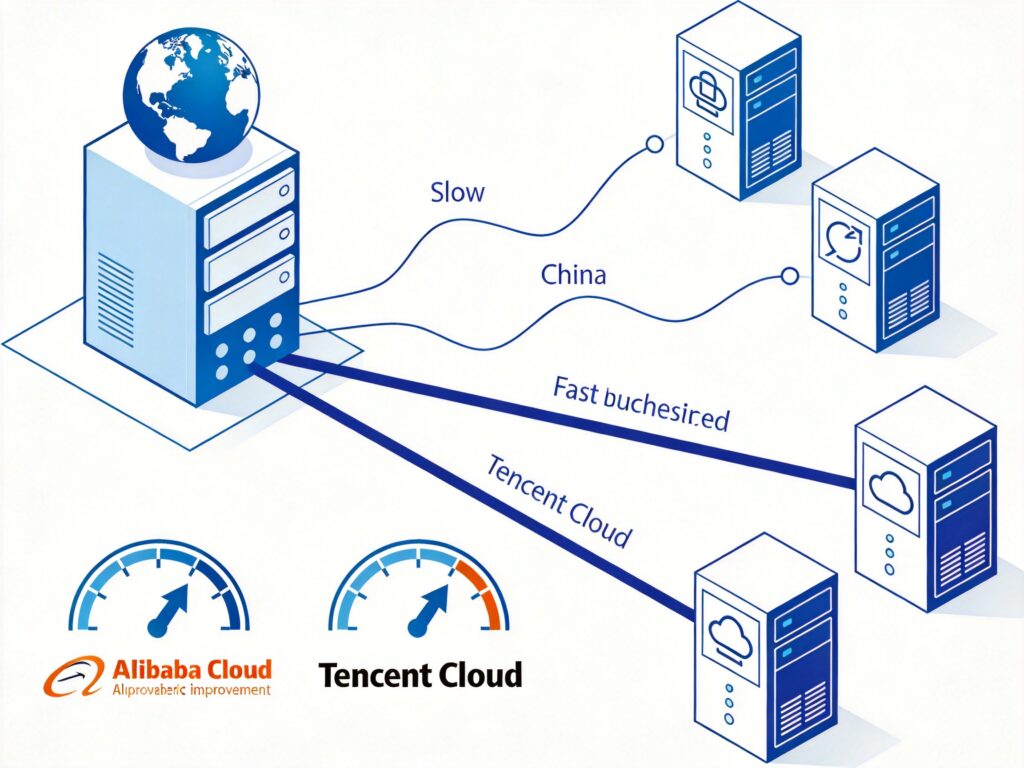
Problem Background
When using the default YUM repositories on CentOS for software installation or system updates, connection speeds can be extremely slow or even time out due to network latency to overseas servers. Replacing the default YUM sources with domestic mirrors (such as Alibaba Cloud or Tencent Cloud) can significantly improve download speeds and operational efficiency.
Step-by-Step Guide
All following commands must be executed in a terminal with root privileges.
Step 1: Back Up the Original Repository Configuration
Before making any changes, it is strongly recommended to back up the original repository configuration file for potential recovery.
mv /etc/yum.repos.d/CentOS-Base.repo /etc/yum.repos.d/CentOS-Base.repo.backupStep 2: Download and Replace with a Domestic Mirror
Choose the appropriate command based on your CentOS version to download the new repository configuration file.
Alibaba Cloud Mirror
- CentOS 6.x
wget -O /etc/yum.repos.d/CentOS-Base.repo http://mirrors.aliyun.com/repo/Centos-6.repo - CentOS 7.x
wget -O /etc/yum.repos.d/CentOS-Base.repo http://mirrors.aliyun.com/repo/Centos-7.repo - CentOS 8.x
wget -O /etc/yum.repos.d/CentOS-Base.repo http://mirrors.aliyun.com/repo/Centos-8.repo
Note: CentOS 8 reached End-of-Life in December 2021. It is recommended to upgrade to CentOS Stream, Rocky Linux, or AlmaLinux. Alibaba Cloud retains this repository for legacy systems.
Tencent Cloud Mirror
Tencent Cloud provides another stable and fast mirror option. Example for CentOS 7:
wget -O /etc/yum.repos.d/CentOS-Base.repo http://mirrors.cloud.tencent.com/repo/centos7_base.repoFor other versions (e.g., CentOS 6 or 8), visit the Tencent Cloud Mirror Site to find the corresponding repository file URL.
Step 3: Clean and Rebuild the YUM Cache
After changing the repository, clear the old cache and generate a new one to ensure the system recognizes the new mirror.
- Clean YUM Cache
yum clean all - Rebuild YUM Cache
yum makecache
Verification and Next Steps
After completing the steps above, you can run yum update (in a non-production environment) or attempt to install a package to test if the speed has improved.
Additional Note: If you are using CentOS 7 with the EPEL repository enabled, it is also advisable to replace it with a domestic mirror. Use the following command:
wget -O /etc/yum.repos.d/epel.repo http://mirrors.aliyun.com/repo/epel-7.repo